Finally, a Trading Journal that Works Like a System
Stop guessing what went wrong. Log trades, organize setups, and review mistakes inside Notion.
Built for Notion. No subscription.
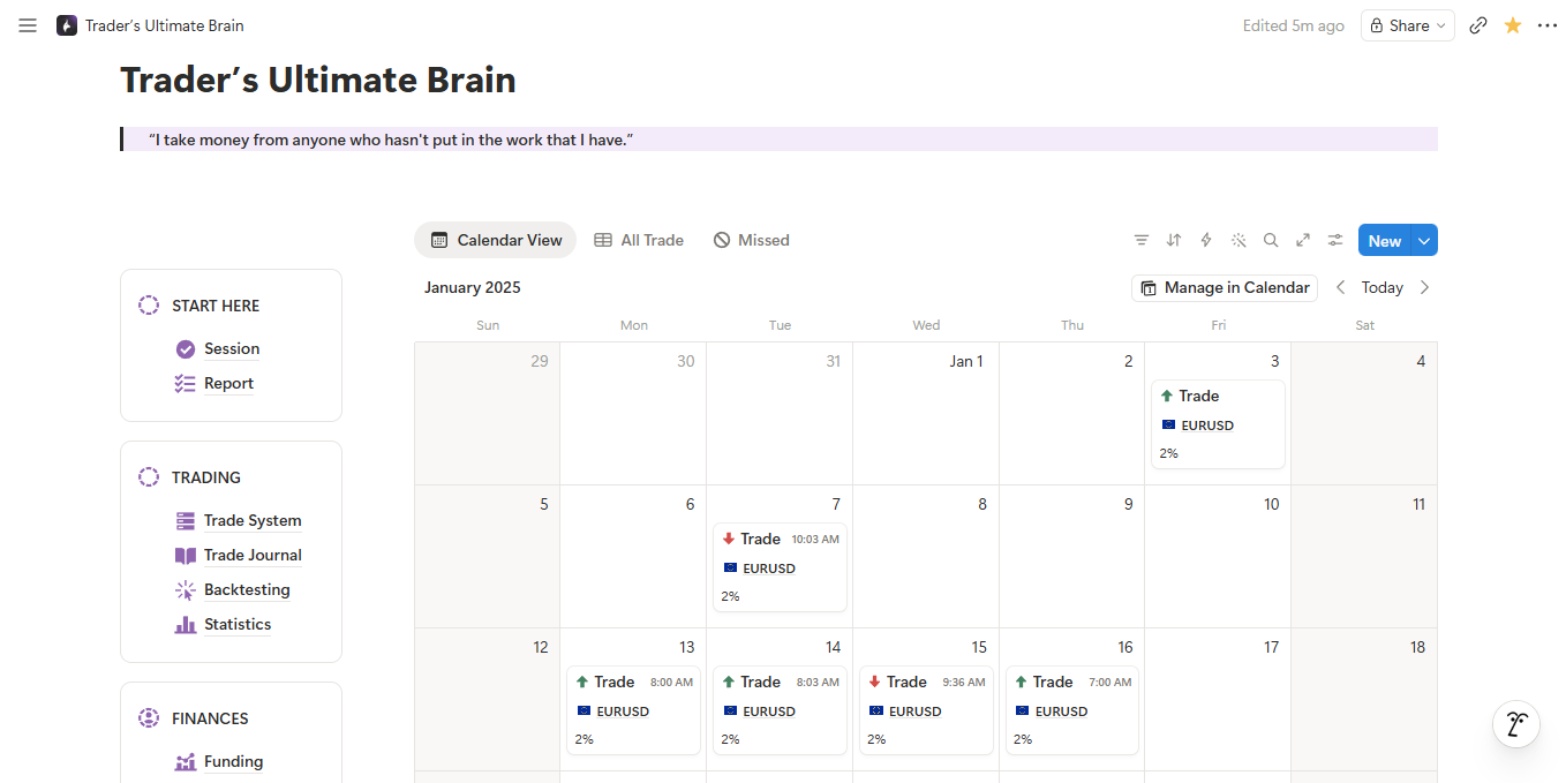
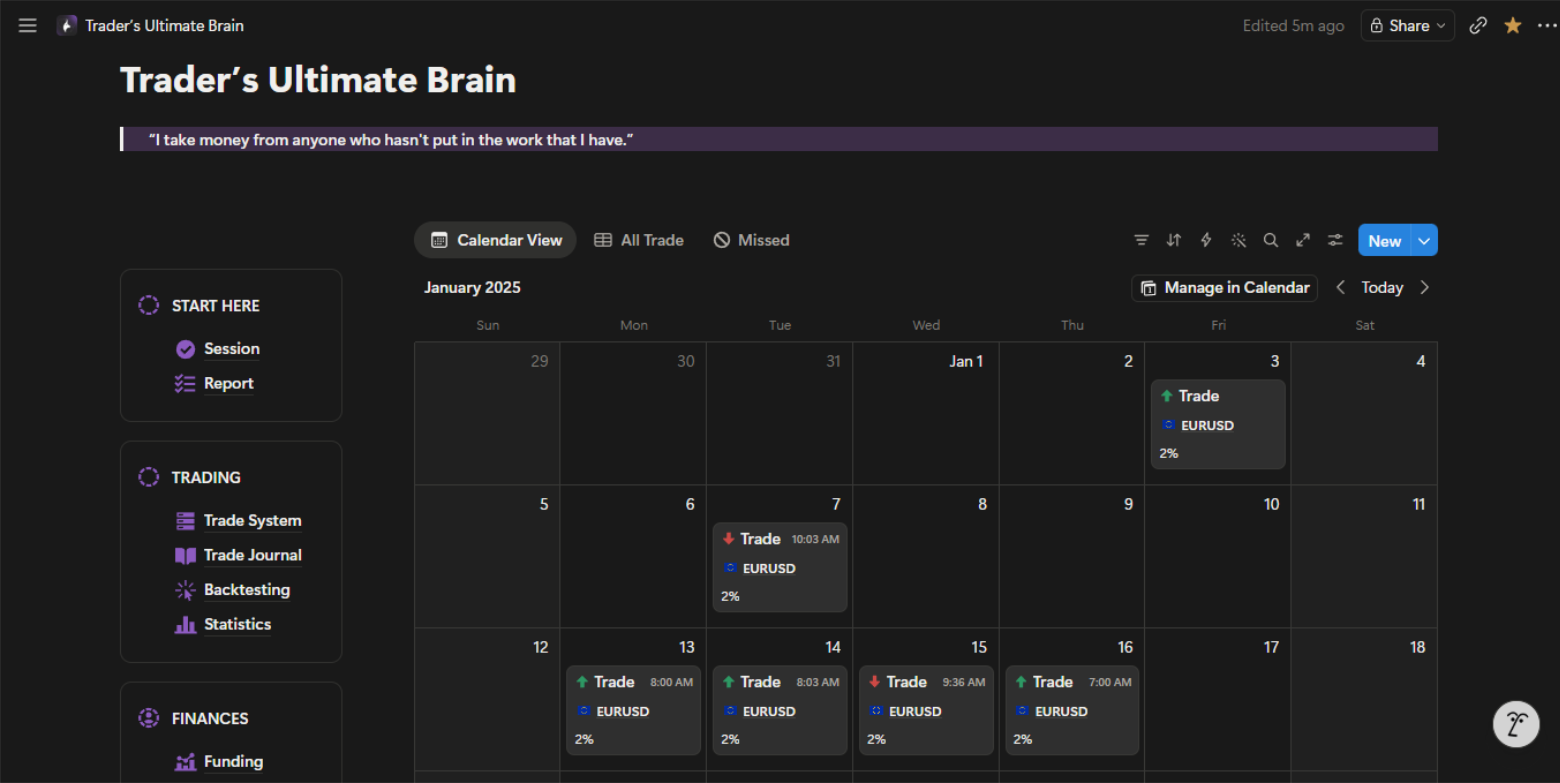
Set up in 60 seconds
Duplicate
Click the link, duplicate to your Notion workspace. Done.
Log your trades
Fill in your entries, exits, and notes after each session.
Review & improve
Use dashboards and analytics to find patterns and fix leaks.
Meet your new Trading Assistant, Powered by AI.
Connect GPT, Claude, or Notion AI directly to your journal. Ask questions about your performance, get trade reviews, and find patterns you missed. Your data stays in Notion, the AI just reads it.
A complete Notion workspace for review, planning, and pattern-finding.
Performance Dashboards
Track win rate, R:R, drawdown, and more with auto-updating charts.
Every Market
Forex, indices, crypto, stocks. One system handles all of them.
Trading Journal
Structured logs with tags, screenshots, emotions, and session notes.
Backtest Journal
Separate space to log and review backtesting sessions.
Knowledge Base
Store setups, rules, and market notes in one searchable place.
Notebook & Resources
Keep your trading education, links, and resources organized.
Account Pages
Track multiple trading accounts and prop firm challenges.
AI Desk
Use AI prompts to analyze your trading patterns and get insights.
Ready for more?
| Feature | Notion System | Tradezella |
|---|---|---|
| Price | $148 one-time | Monthly subscription |
| Trading Journal + Review Pages | ||
| Knowledge Base | ||
| Advanced Analytics | ||
| AI Coach | ||
| Backtesting Journal | ||
| Prop Firm Challenge Tracker |
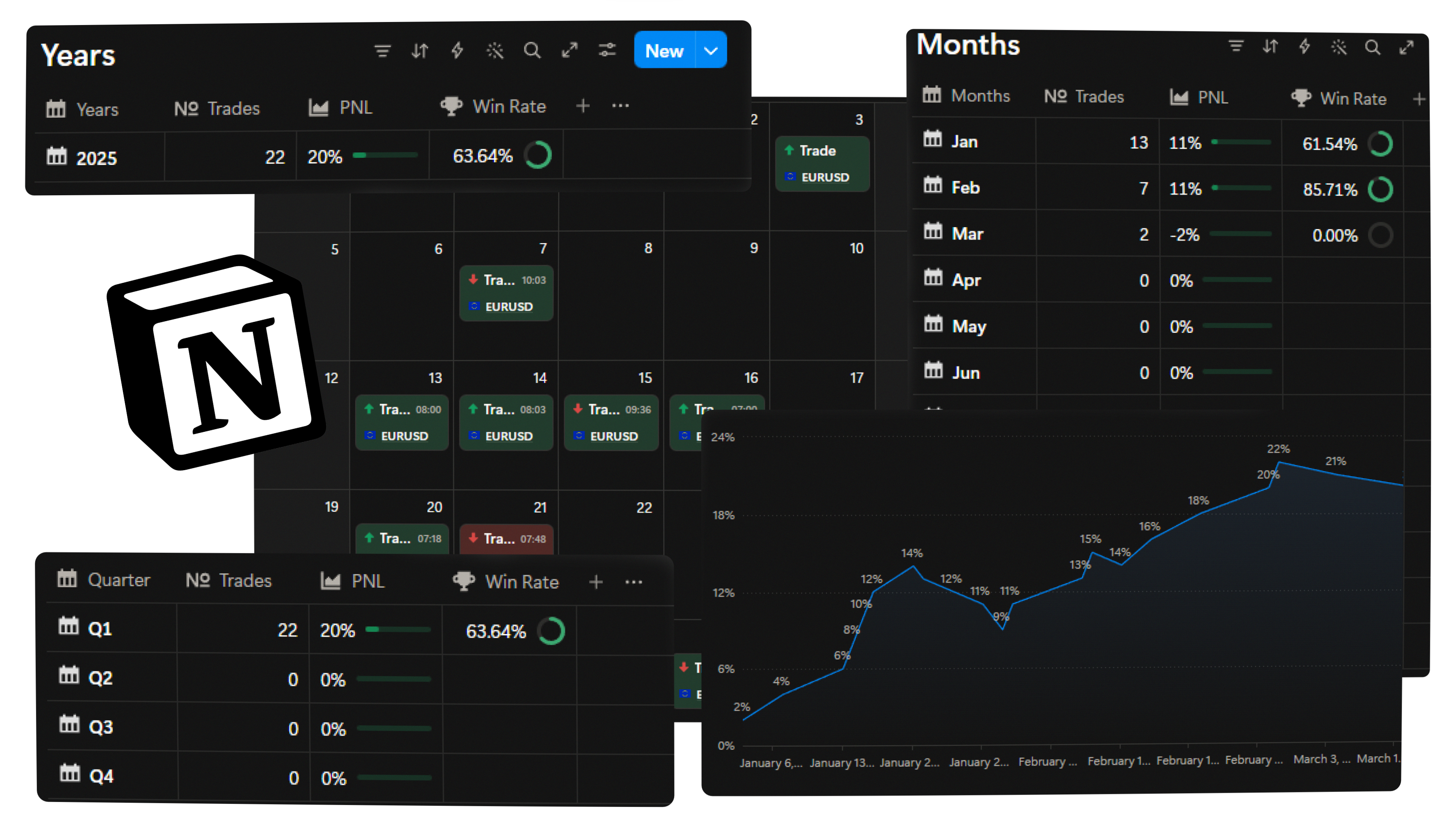
Traders Ultimate Brain
The Notion trading system for journal, setups, notes, planning, and advanced analytics. One purchase with lifetime access.
- Complete Notion trading system
- Journal, setups, and notes pages
- Unlimited Trades Logs
- Built-in Charts included for life
- Works without Notion Plus
- Video + Text tutorials
- Fully customizable in Notion
- Lifetime access & updates
- AI prompt library + system pages
What traders say after switching
"This journal changed how I review trades. I finally see my patterns clearly."
"Best Notion template I have used. The analytics alone are worth it."
"I went from scattered notes to a real system. My consistency improved within weeks."
"Passed my FTMO challenge after using this for 3 weeks. The review system works."
"The knowledge base is underrated. I keep all my setups and rules in one place now."
"Simple, clean, and actually useful. Not bloated like other trading journals."
Still thinking? Here's what most traders ask
You get instant access to the full Notion template. Just click the link, duplicate it to your workspace, and start journaling. You also get a video walkthrough to help you set everything up.
This is not just a spreadsheet or a basic template. It is a complete system with analytics, dashboards, backtesting logs, a knowledge base, and AI integration. Everything connects so you can find patterns and improve faster.
Yes. The AI Desk includes pre-built prompts for trade analysis, pattern recognition, and performance review. It works with Notion AI, ChatGPT, or Claude. Just paste your data and get insights.
Absolutely. The system supports Forex, indices, crypto, and stocks. You can track all your accounts and instruments in one workspace.
It is a Notion template, so you have full control. Add properties, rename pages, change views, add your own databases. Make it yours.
Not at all. Notion is free and intuitive. The included video walkthrough shows you exactly how to get started, even if you have never opened Notion before.
The template includes built-in chart solutions that work on the free Notion plan. No need to upgrade to Notion Plus for analytics and visual dashboards.